Scale Reveal
スケール・リビール
画像やカードがscale 0.9→1(または1.1→1)に落ち着きながら現れ、奥行きを感じさせる
FIELD JOURNAL
ON THE ART OF SLOW LIVING
Make room
for the quiet.
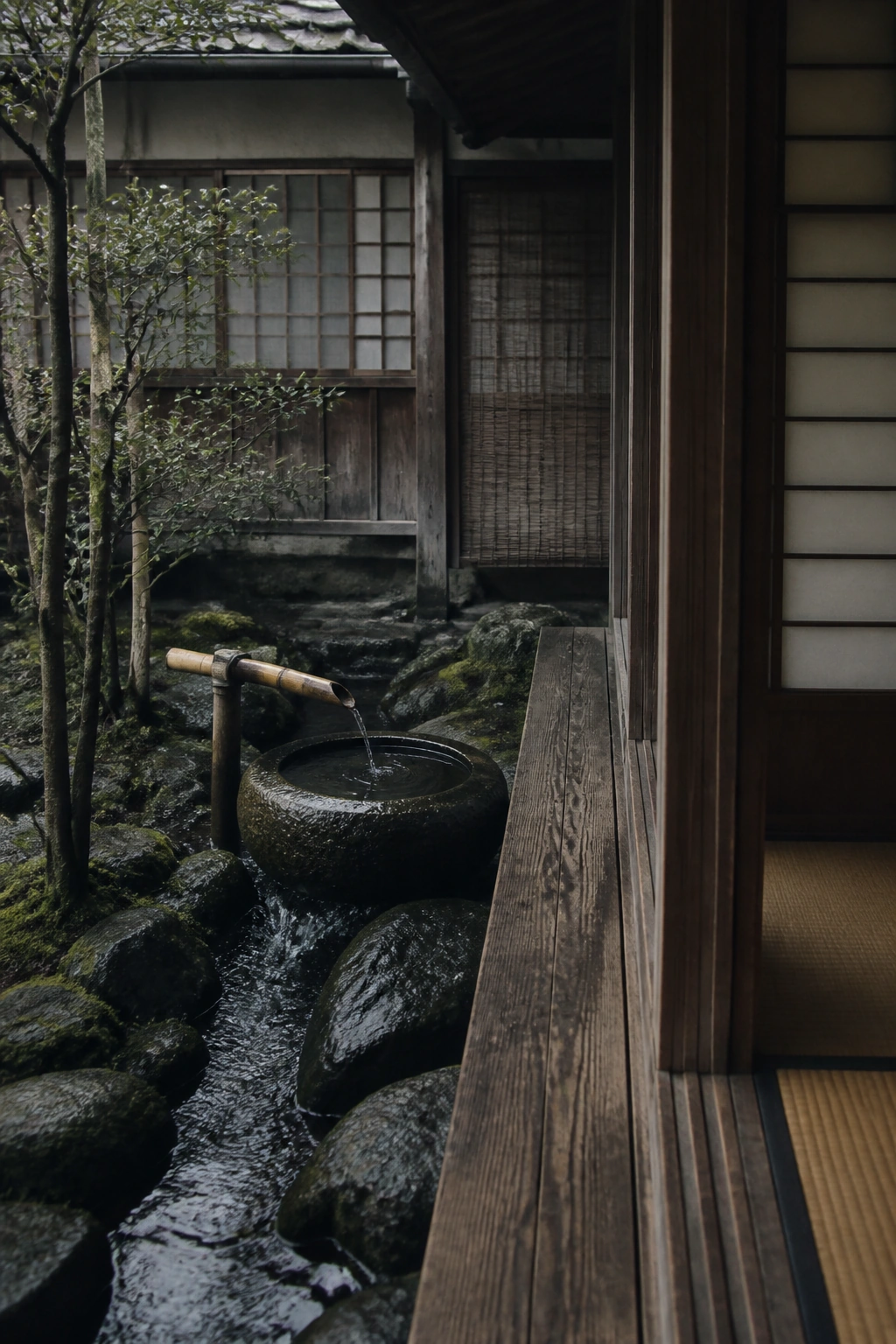
01 — SPACE
余白からはじまる。
End of the journal.
この中をスクロール ↓
再生で動きを確認。もう一度見るときは「最初から再生」を押してください。
こんな場面に
読み進める順序に合わせて、情報を段階的に見せたいとき。
使うときの判断
スクロールを強制しない。動きを減らす設定では、情報を最初から表示。
IMPLEMENTATION
実装レシピ
CSSのみ可。`.offscreen{scale:.92;opacity:0}` を解除、transform-originで方向性を付ける
- 実装難易度
- 低
- 実装の目安
- CSSのみ
- 収録範囲
- 説明・指示書(実装例コードは未同梱)
同梱の実装例は、組み込み先で表示・操作を確認してください。
YOUR PROMPT
調整した値を確認する
実装指示書の全文を開く
Implement the following web visual TECHNIQUE as a small, self-contained demo (single HTML file, inline CSS/JS; GSAP via CDN is allowed if it fits the recipe). Invent your own placeholder content (original text/shapes/colors) — do NOT copy any existing site's content or branding.

## Technique: Scale Reveal (スケール・リビール)

What happens: 画像やカードがscale 0.9→1(または1.1→1)に落ち着きながら現れ、奥行きを感じさせる

## Implementation recipe (normative)

CSSのみ可。`.offscreen{scale:.92;opacity:0}` を解除、transform-originで方向性を付ける

## Timing values chosen by the user (normative — use these exact values)

- Easing: `cubic-bezier(0.22, 1, 0.36, 1)`
- Base duration: 1.00s
- Intensity 3/5: Use moderate amplitudes (16-40px movements or equivalent scale/rotation, confident but not showy).

## Quality bar

- Runs at 60fps; animate only transform/opacity/filter where possible.
- Make the initial state legible immediately. Preserve the full timing above, including deliberately slow transitions. Repeat only when the recipe calls for a loop; give finite effects a clear ending and replay action.
- Respect prefers-reduced-motion: show a legible resting state without autoplay. Keep every operation available through keyboard and touch; allow deliberate playback of the effect for inspection.
- Difficulty reference: 低. If the recipe mentions specific libraries or shader work, follow it rather than substituting a simpler approach.
コピーできない環境では、指示書を選択・保存する画面が開きます。